Quick Start · Expert · ~60 min
Expert journey
Connect A²D and P4A, start from a governed or secured technical template, add P4A and Agent Fabric policies, validate governance and check the Coverage map.
Needs: Anypoint, A²D and P4A. Steps: 10. Open it in VS Code with Home → Quick Start → Expert, or Octoloom: Quick Start in the Command Palette.
The journey at a glance
- Anypoint account
- Small Managed Omni Gateway
- Connected app Octoloom-CA
- Connect Octoloom to Agent Fabric
- Connect to A²D
- Connect to P4A
- A technical network
- Agent Fabric and P4A policies
- Validate the governance
- Deploy and check the coverage
Steps 1–4: the prerequisites
Every journey starts with the same four steps. Each is explained step by step, with videos, under Before you start:
1. Anypoint account
See Anypoint account.
2. Small Managed Omni Gateway
See Small Managed Omni Gateway.
3. Connected app Octoloom-CA
See Connected app Octoloom-CA.
4. Connect Octoloom to Agent Fabric
See Connect Octoloom to Agent Fabric.
5. Connect to A²D
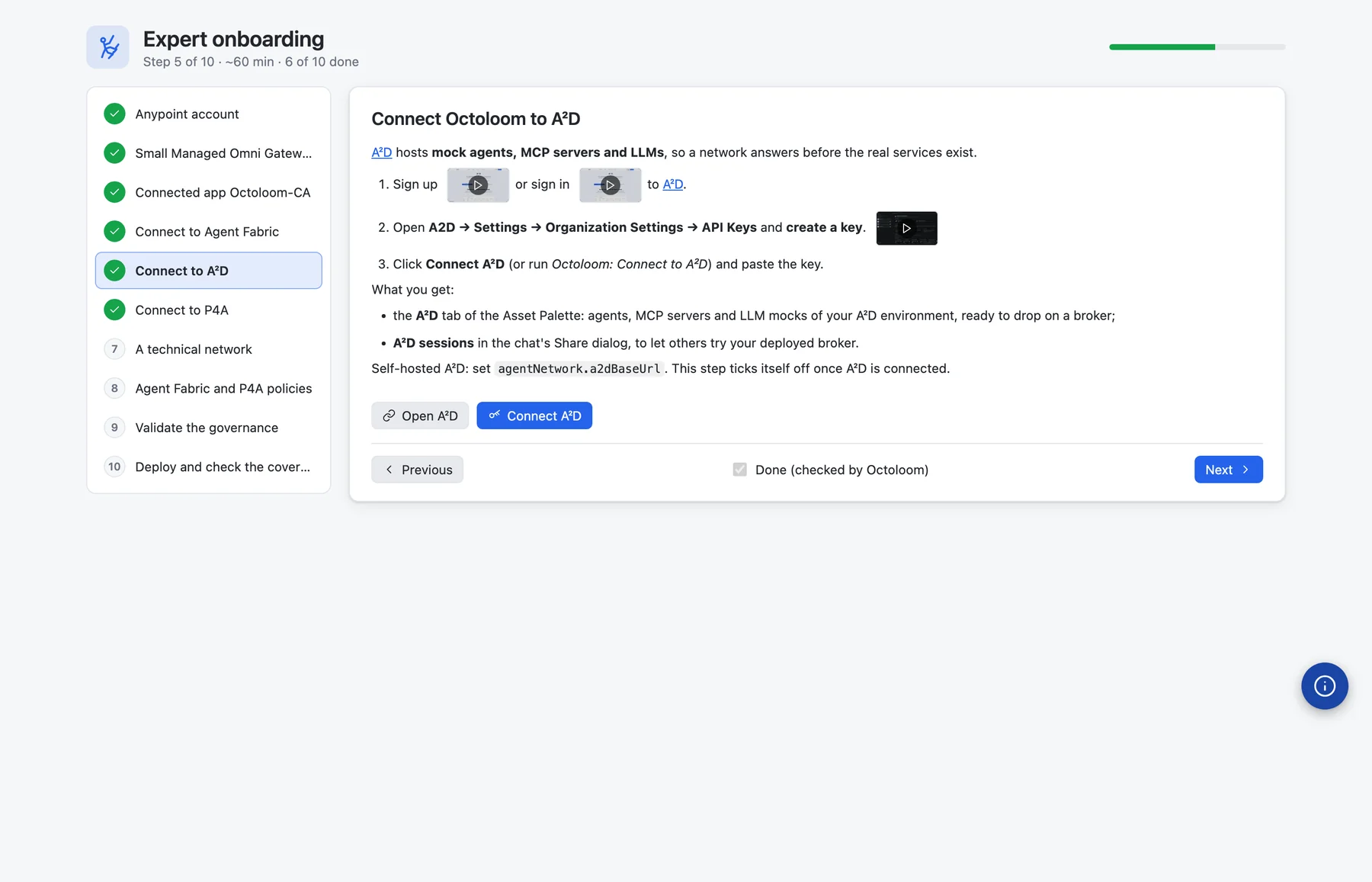
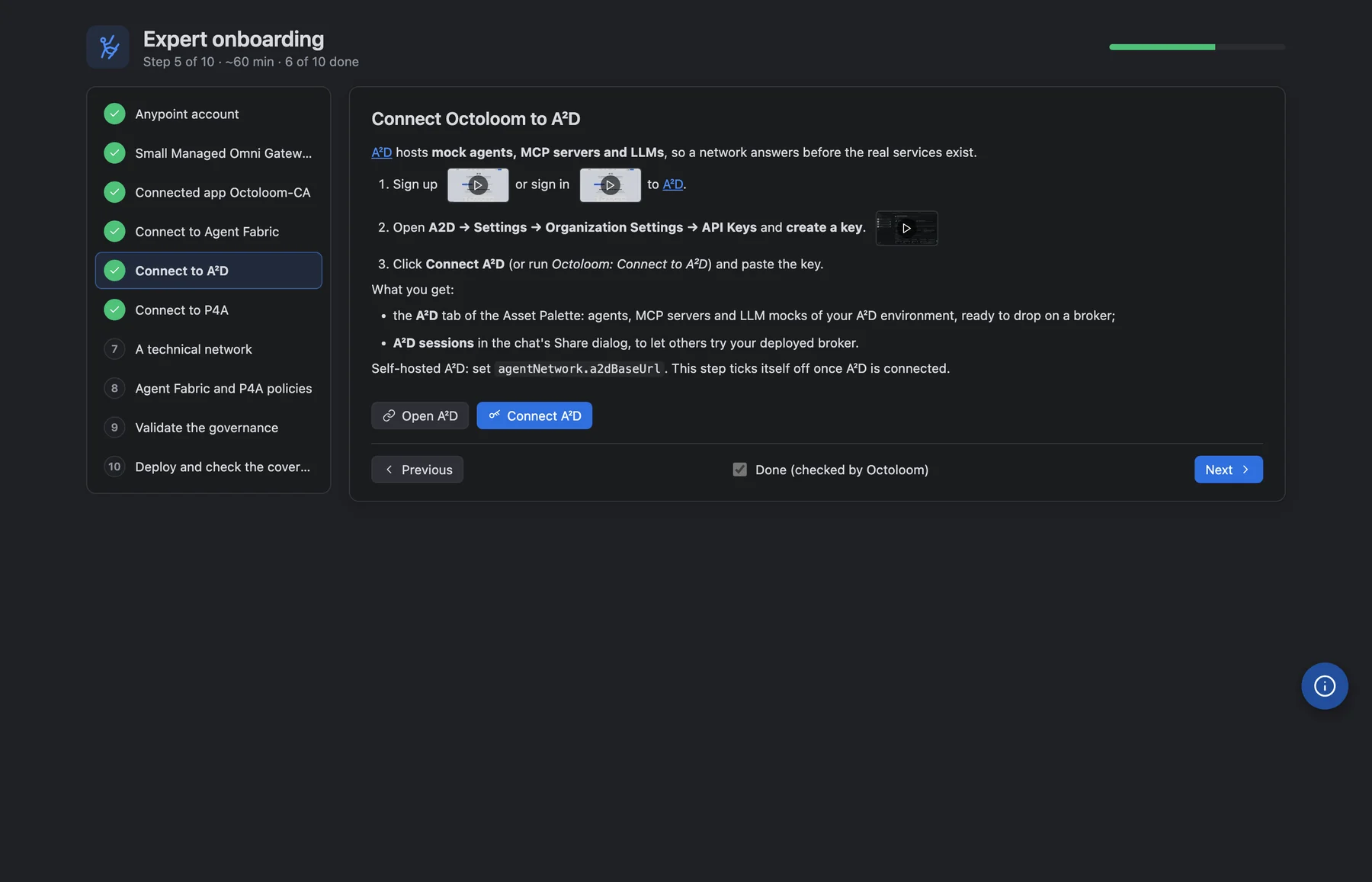
A²D hosts mock agents, MCP servers and LLMs, so a network answers before the real services exist.
- Sign up or sign in to A²D.
- Open A2D → Settings → Organization Settings → API Keys and create a key.
- Click Connect A²D (or run Octoloom: Connect to A²D) and paste the key.
What you get: - the A²D tab of the Asset Palette: agents, MCP servers and LLM mocks of your A²D environment, ready to drop on a broker; - A²D sessions in the chat's Share dialog, to let others try your deployed broker.
Self-hosted A²D: set agentNetwork.a2dBaseUrl.
6. Connect to P4A
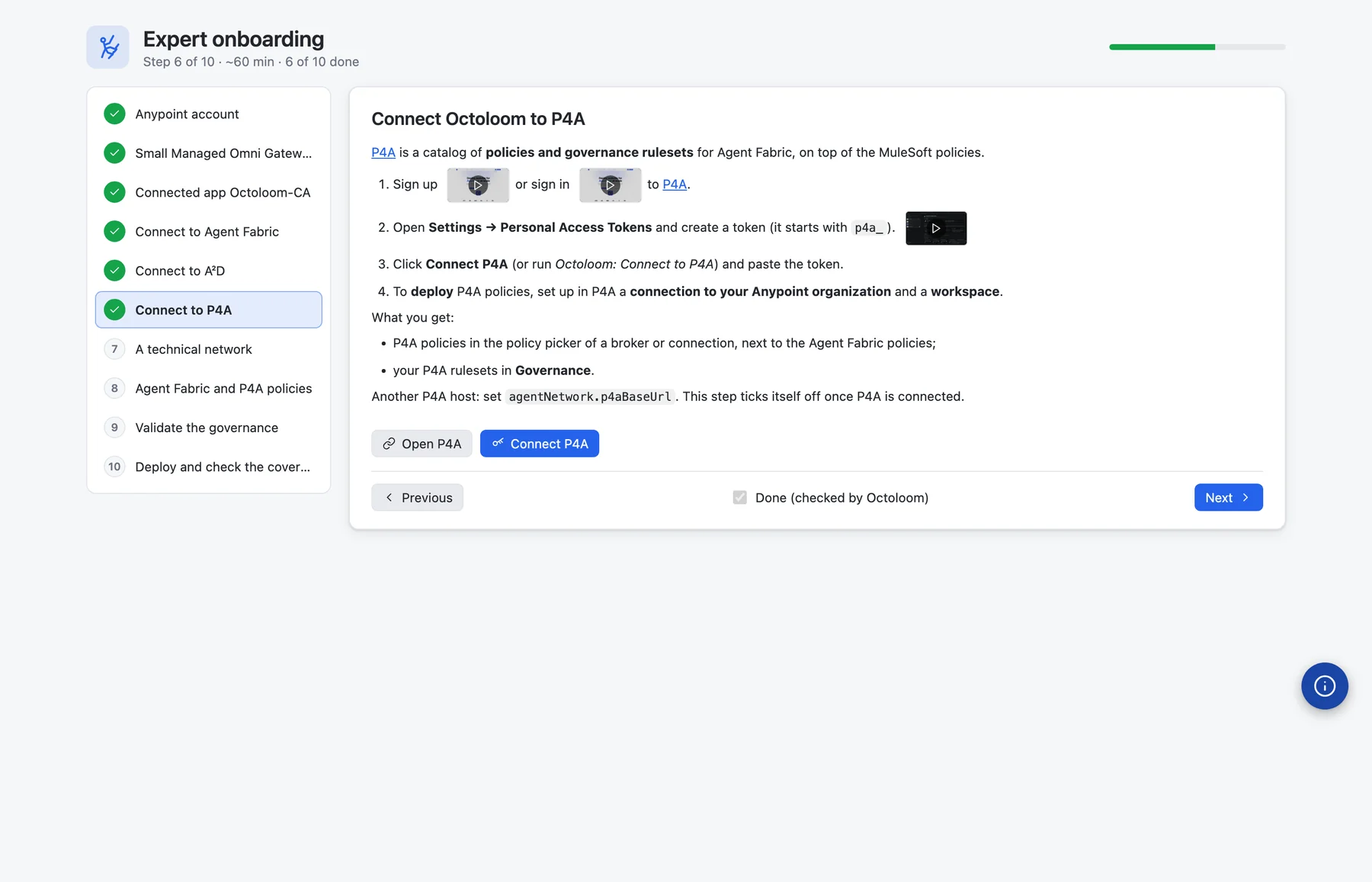
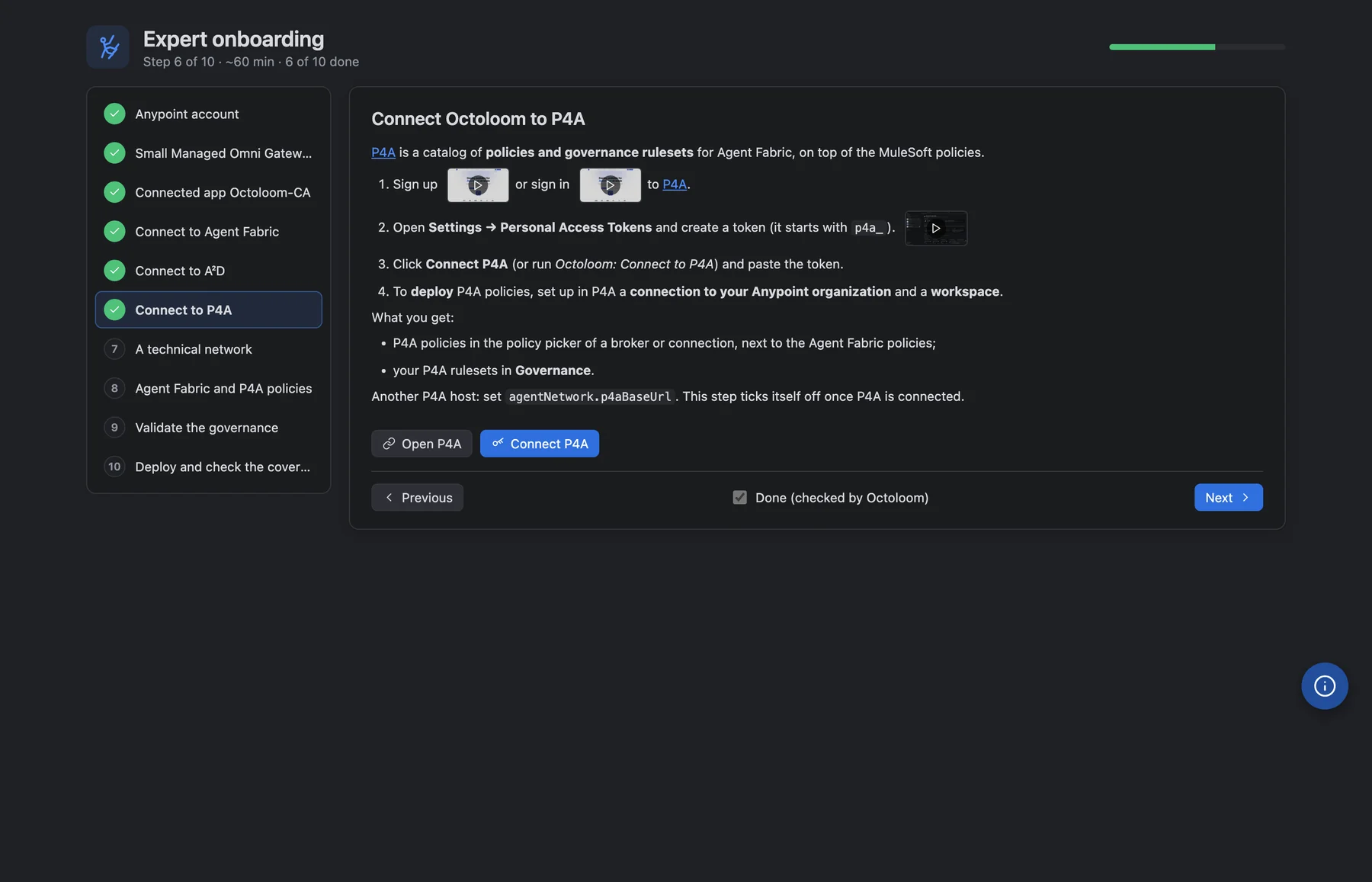
P4A is a catalog of policies and governance rulesets for Agent Fabric, on top of the MuleSoft policies.
- Sign up or sign in to P4A.
- Open Settings → Personal Access Tokens and create a token (it starts with
p4a_). - Click Connect P4A (or run Octoloom: Connect to P4A) and paste the token.
- To deploy P4A policies, set up in P4A a connection to your Anypoint organization and a workspace.
What you get: - P4A policies in the policy picker of a broker or connection, next to the Agent Fabric policies; - your P4A rulesets in Governance.
Another P4A host: set agentNetwork.p4aBaseUrl.
7. A technical network
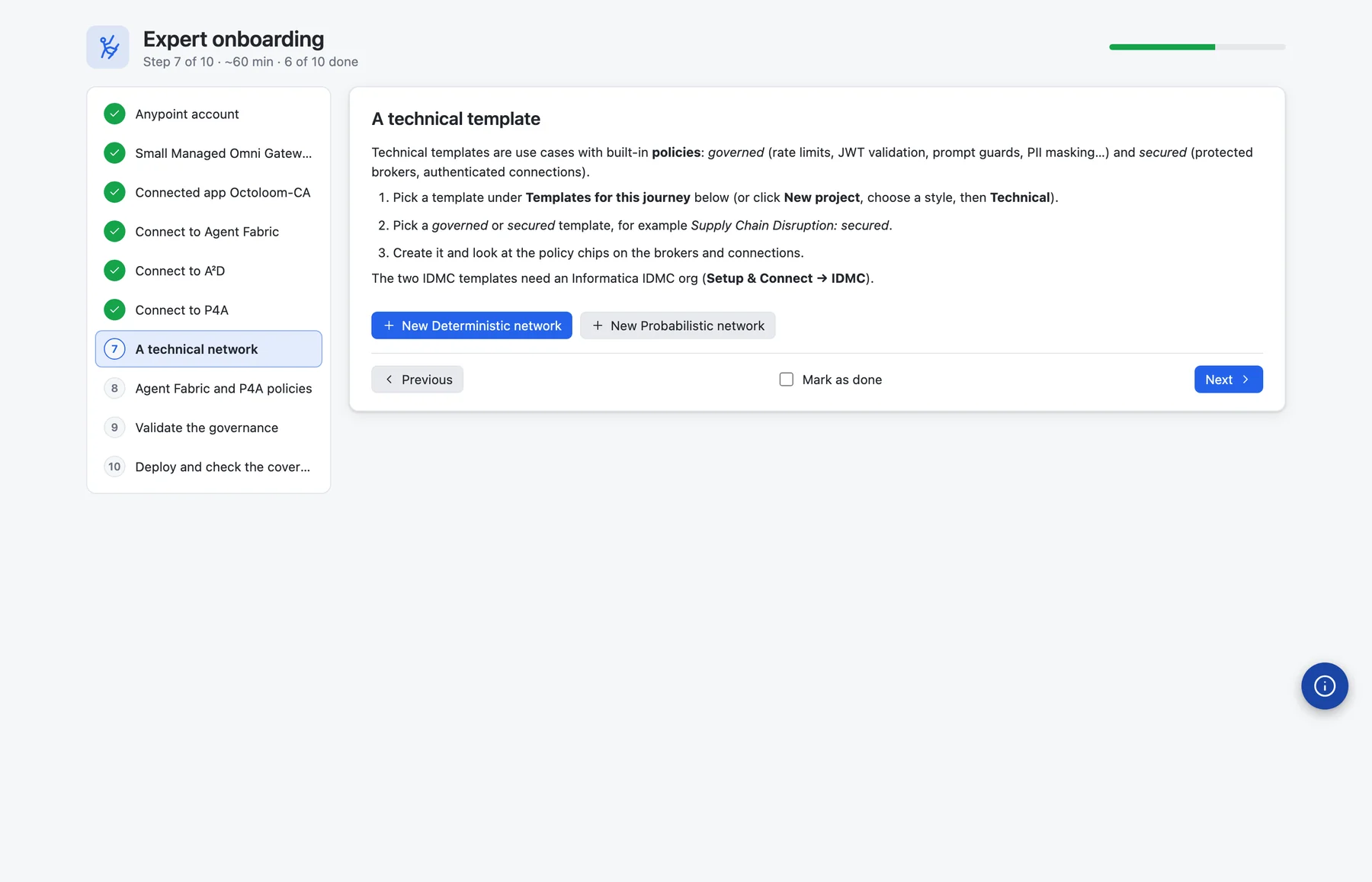
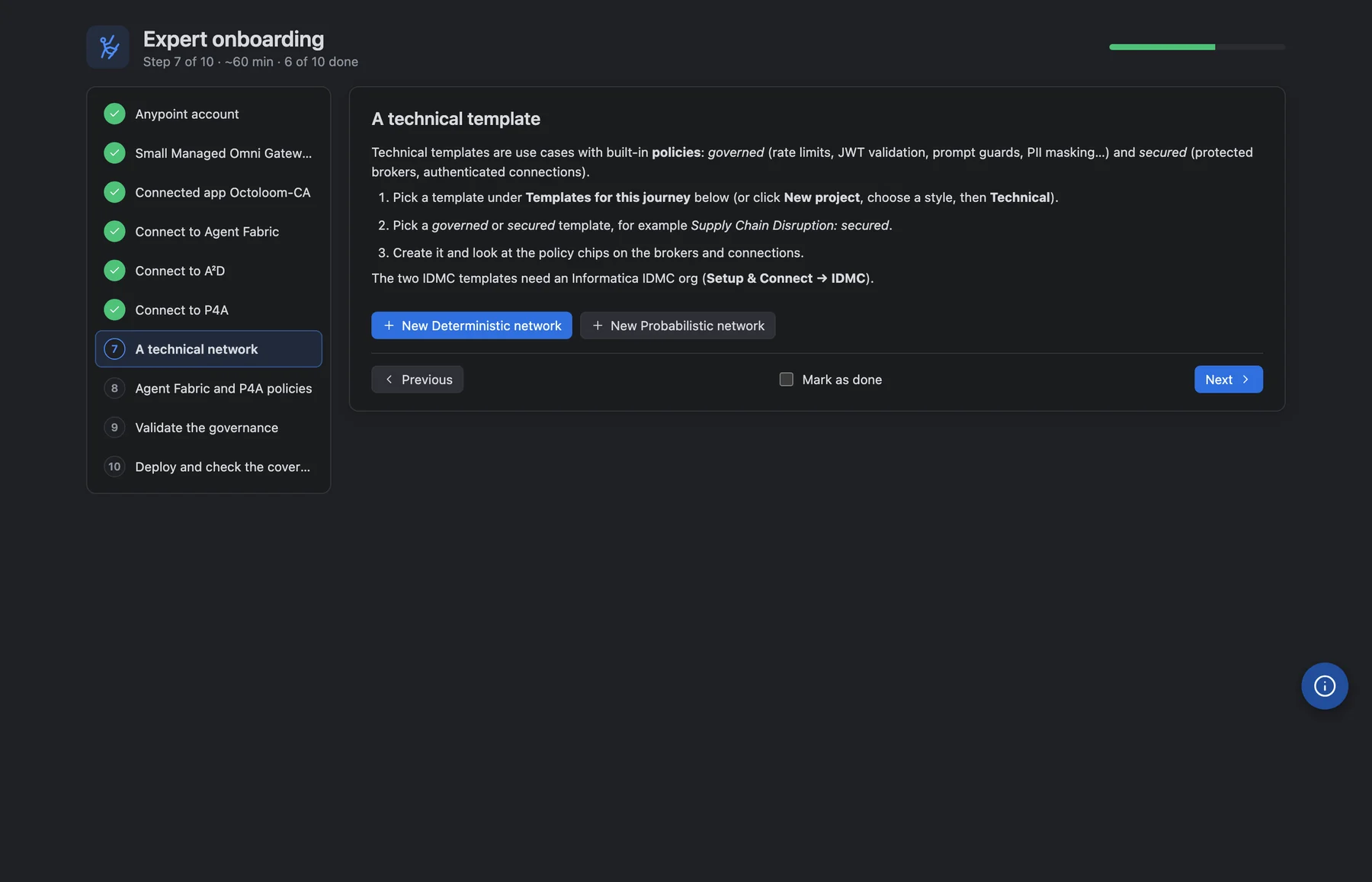
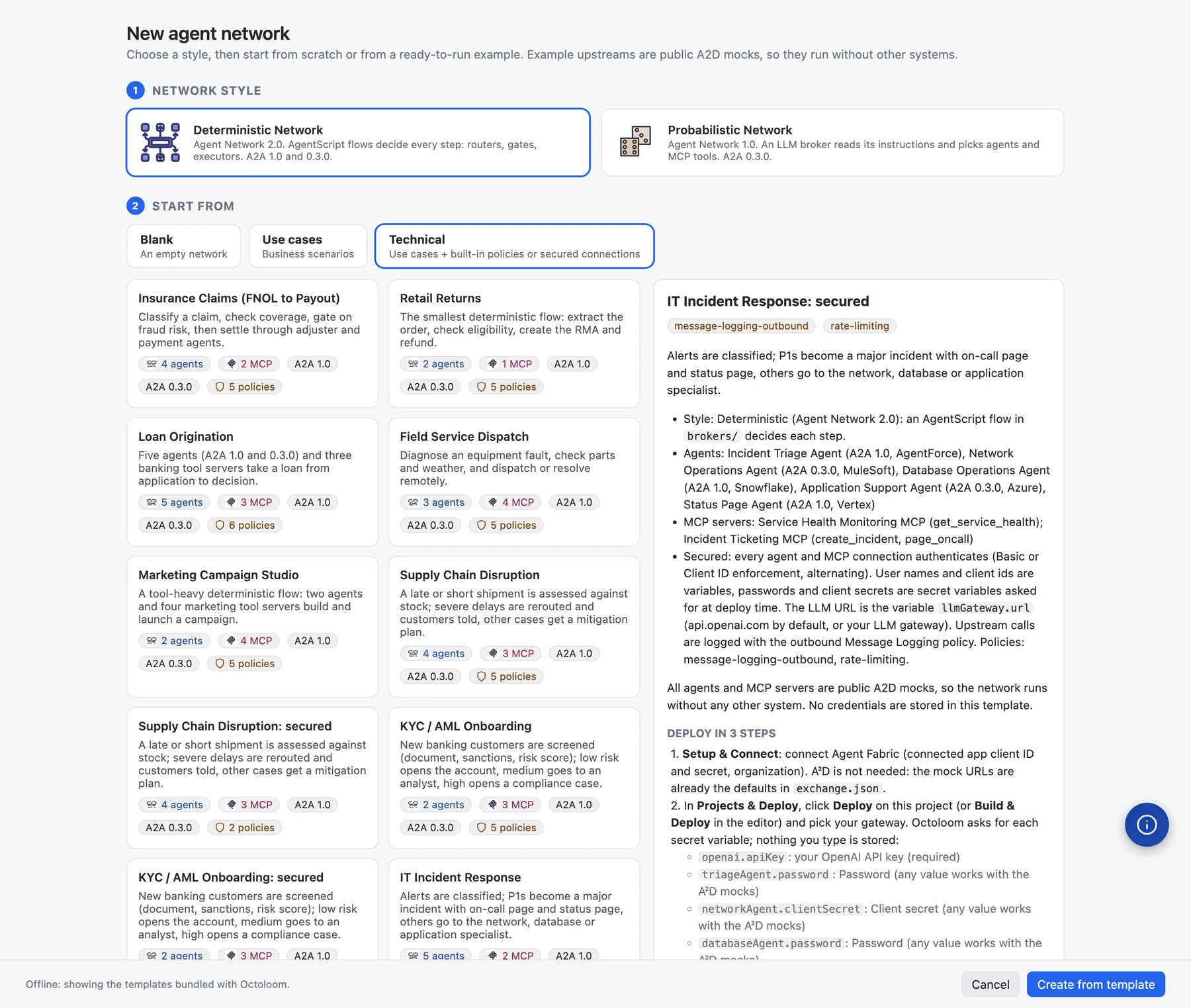
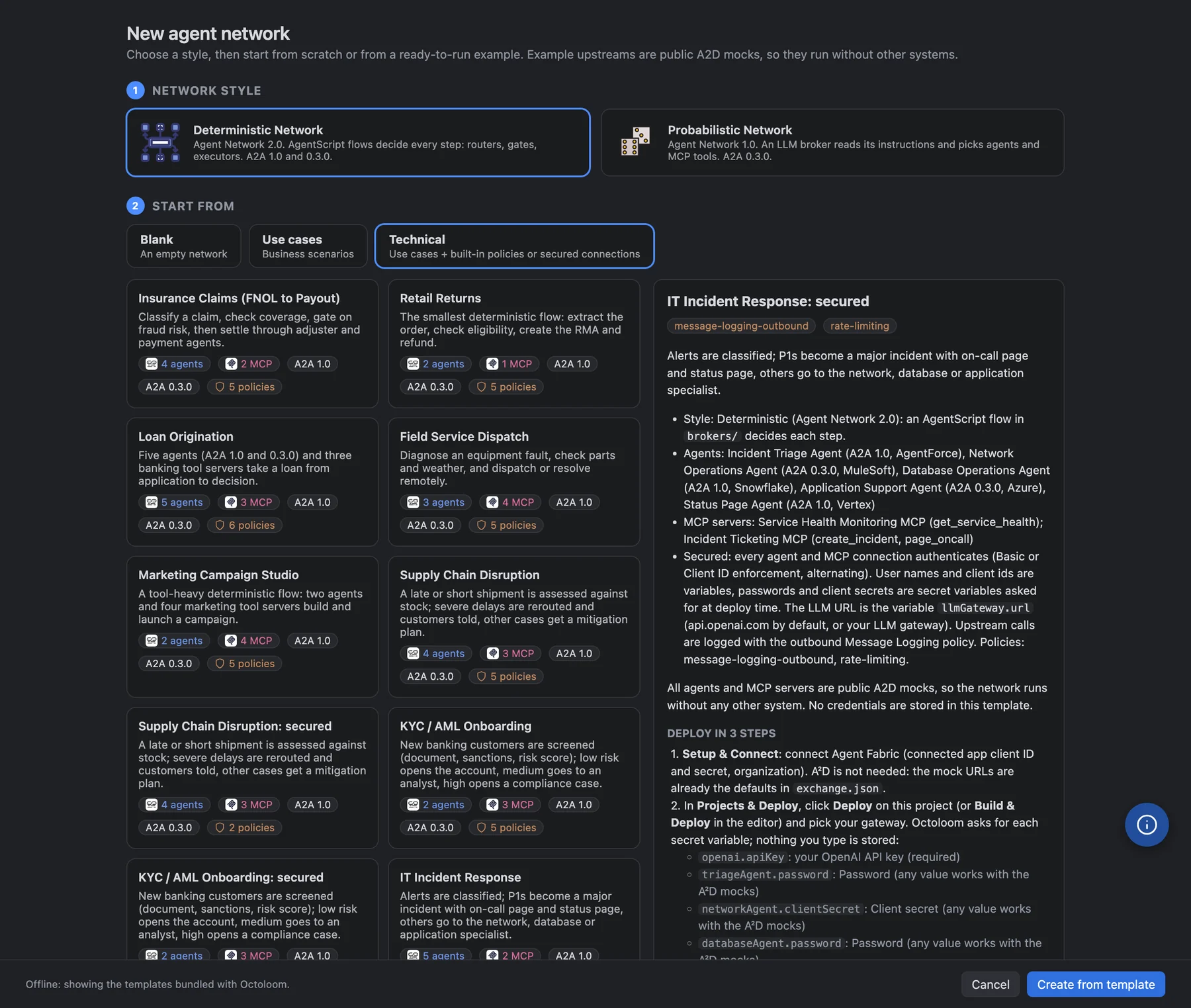
Technical templates are use cases with built-in policies: governed (rate limits, JWT validation, prompt guards, PII masking…) and secured (protected brokers, authenticated connections).
- Pick a template under Templates for this journey in the tab (listed at the end of this page) (or click New project, choose a style, then Technical).
- Pick a governed or secured template, for example Supply Chain Disruption: secured.
- Create it and look at the policy chips on the brokers and connections.
The two IDMC templates need an Informatica IDMC org (Setup & Connect → IDMC).
8. Agent Fabric and P4A policies
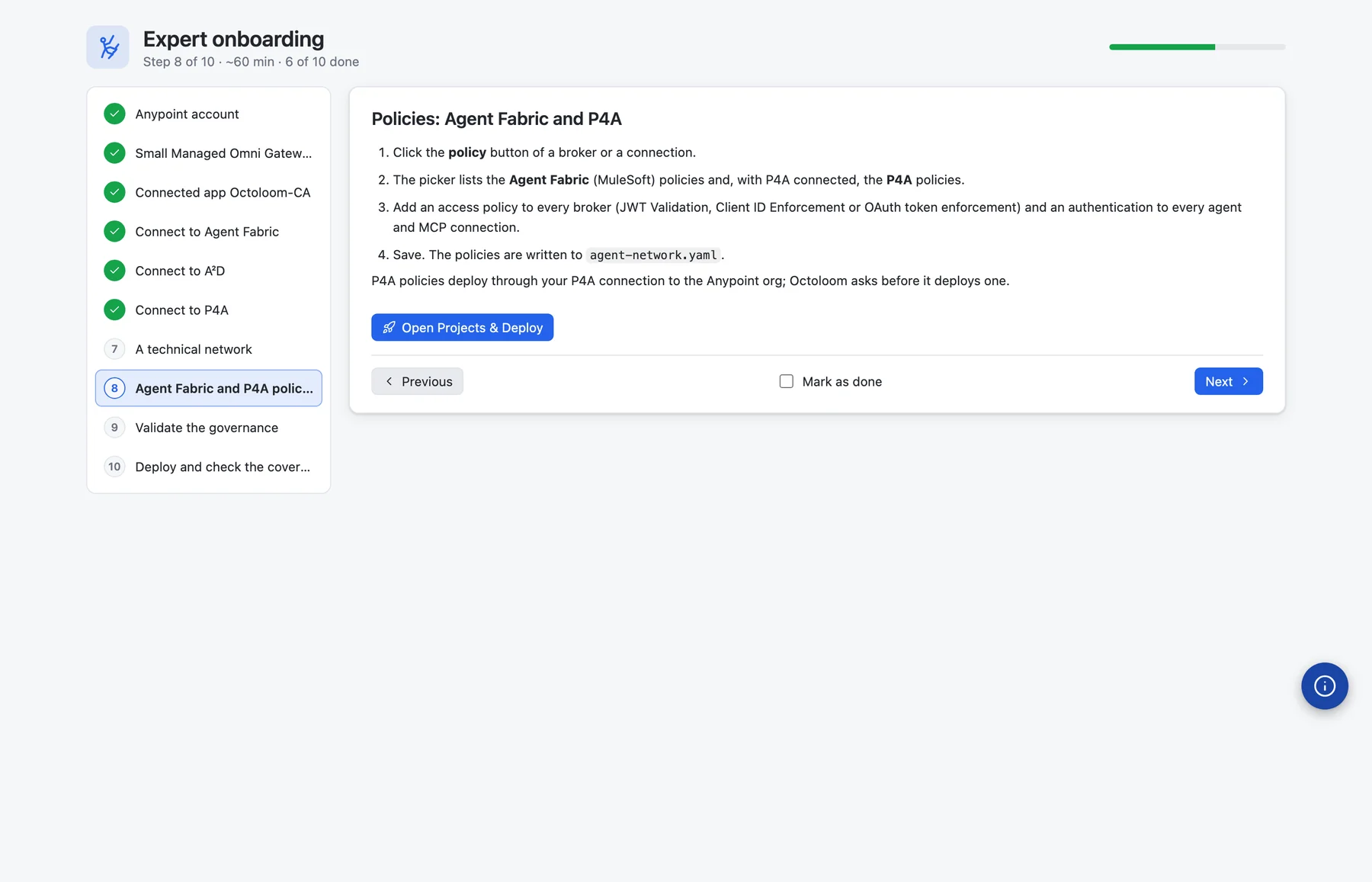
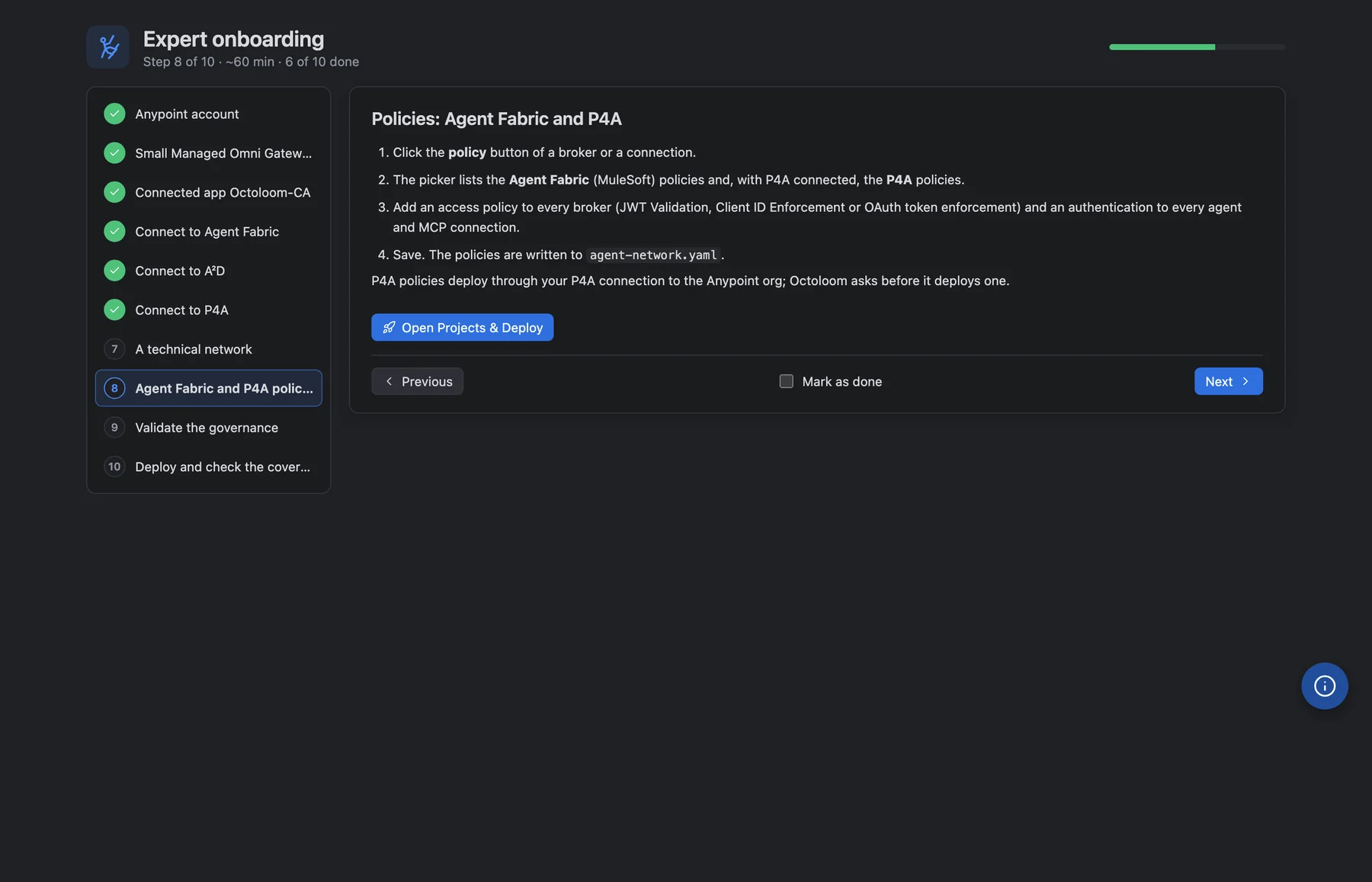
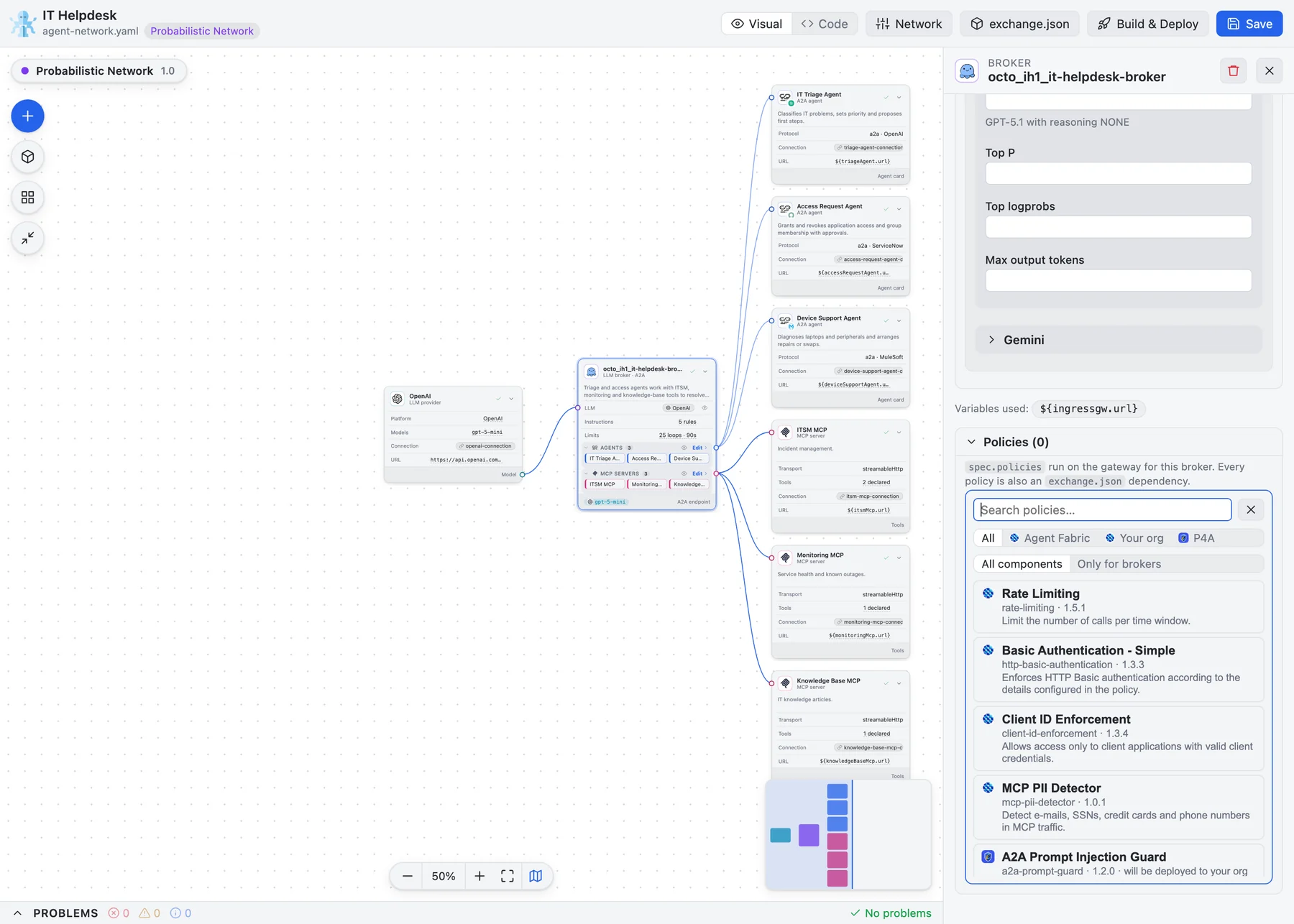
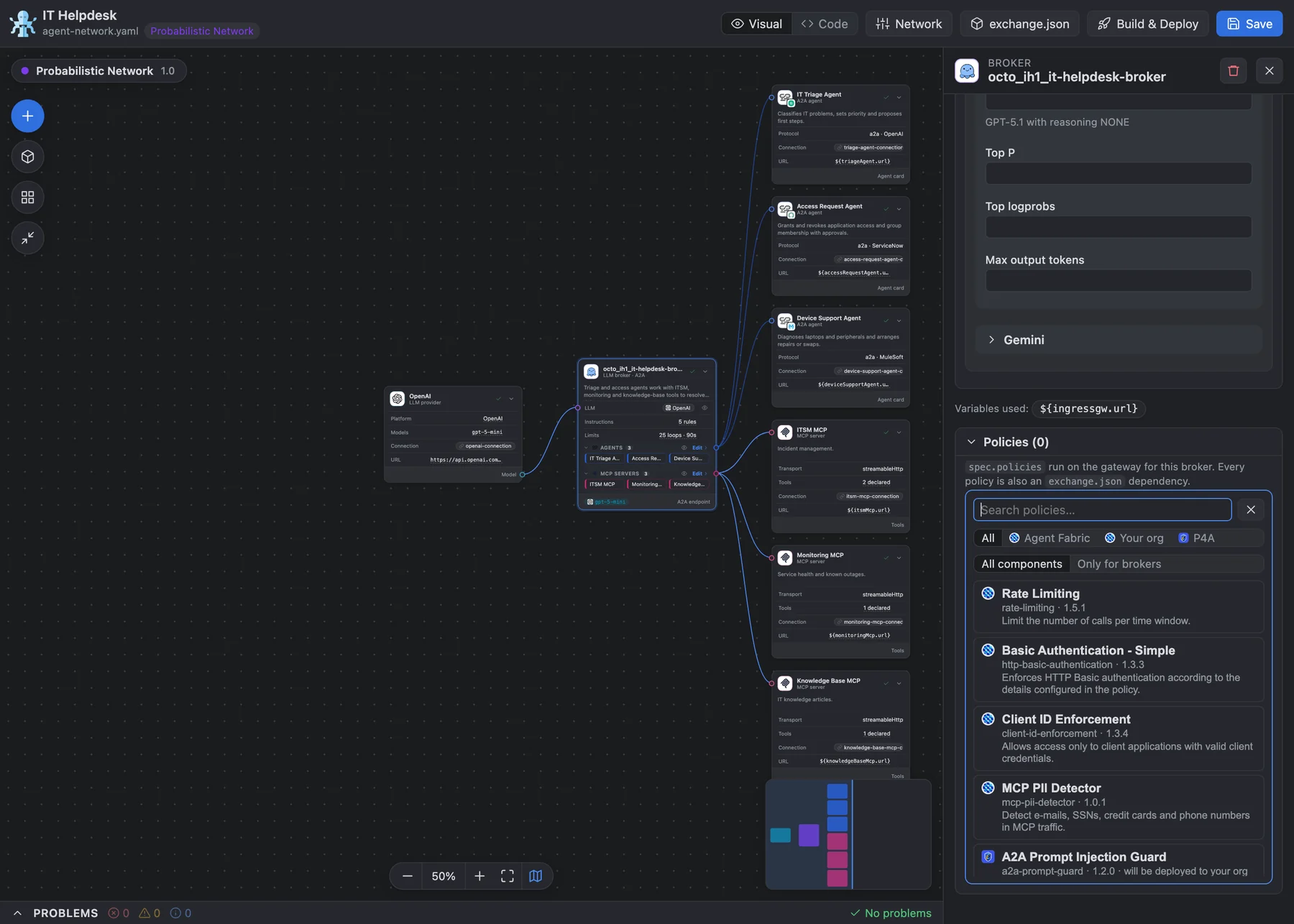
- Click the policy button of a broker or a connection.
- The picker lists the Agent Fabric (MuleSoft) policies and, with P4A connected, the P4A policies.
- Add an access policy to every broker (JWT Validation, Client ID Enforcement or OAuth token enforcement) and an authentication to every agent and MCP connection.
- Save. The policies are written to
agent-network.yaml.
P4A policies deploy through your P4A connection to the Anypoint org; Octoloom asks before it deploys one.
9. Validate the governance
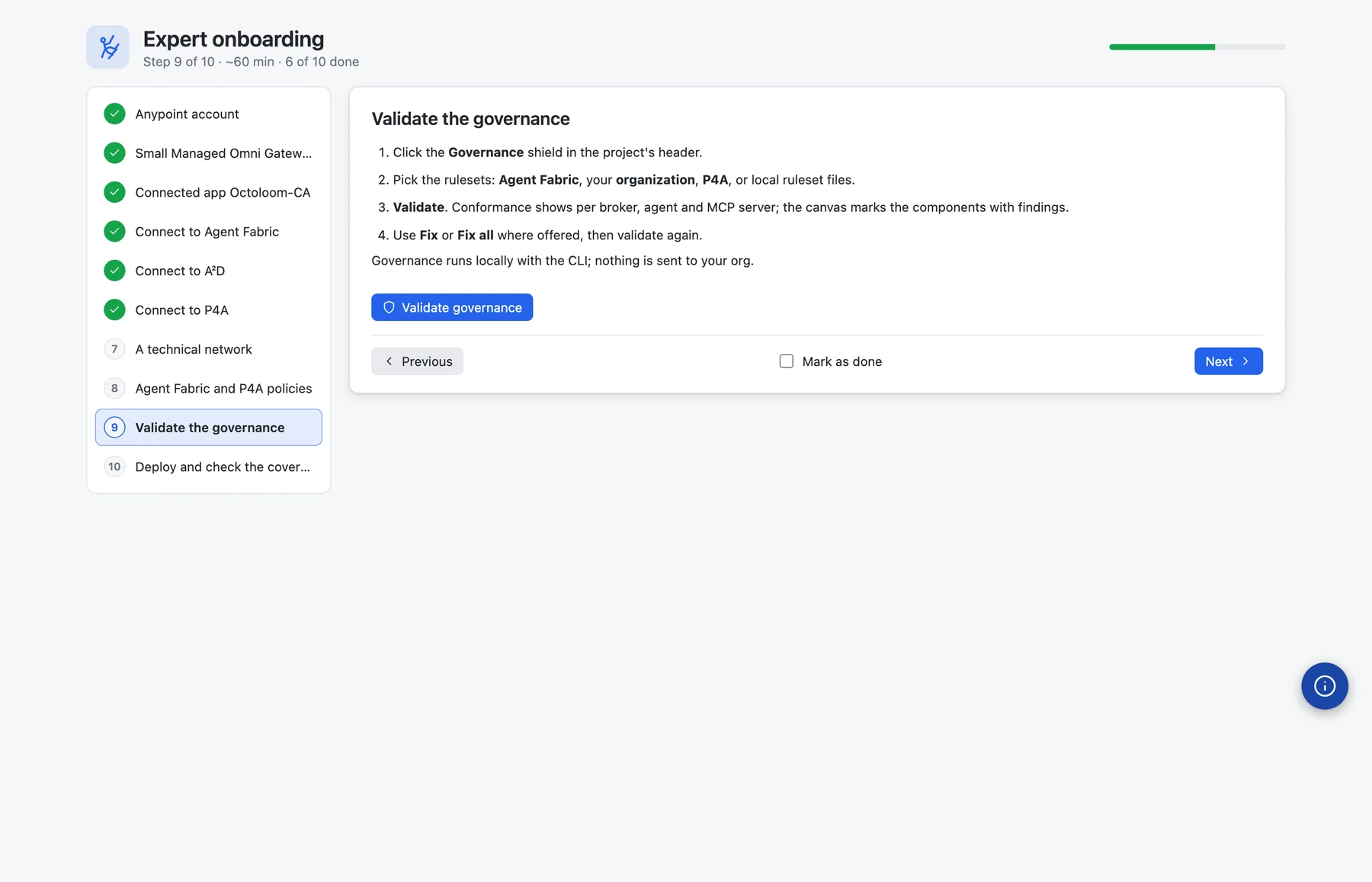
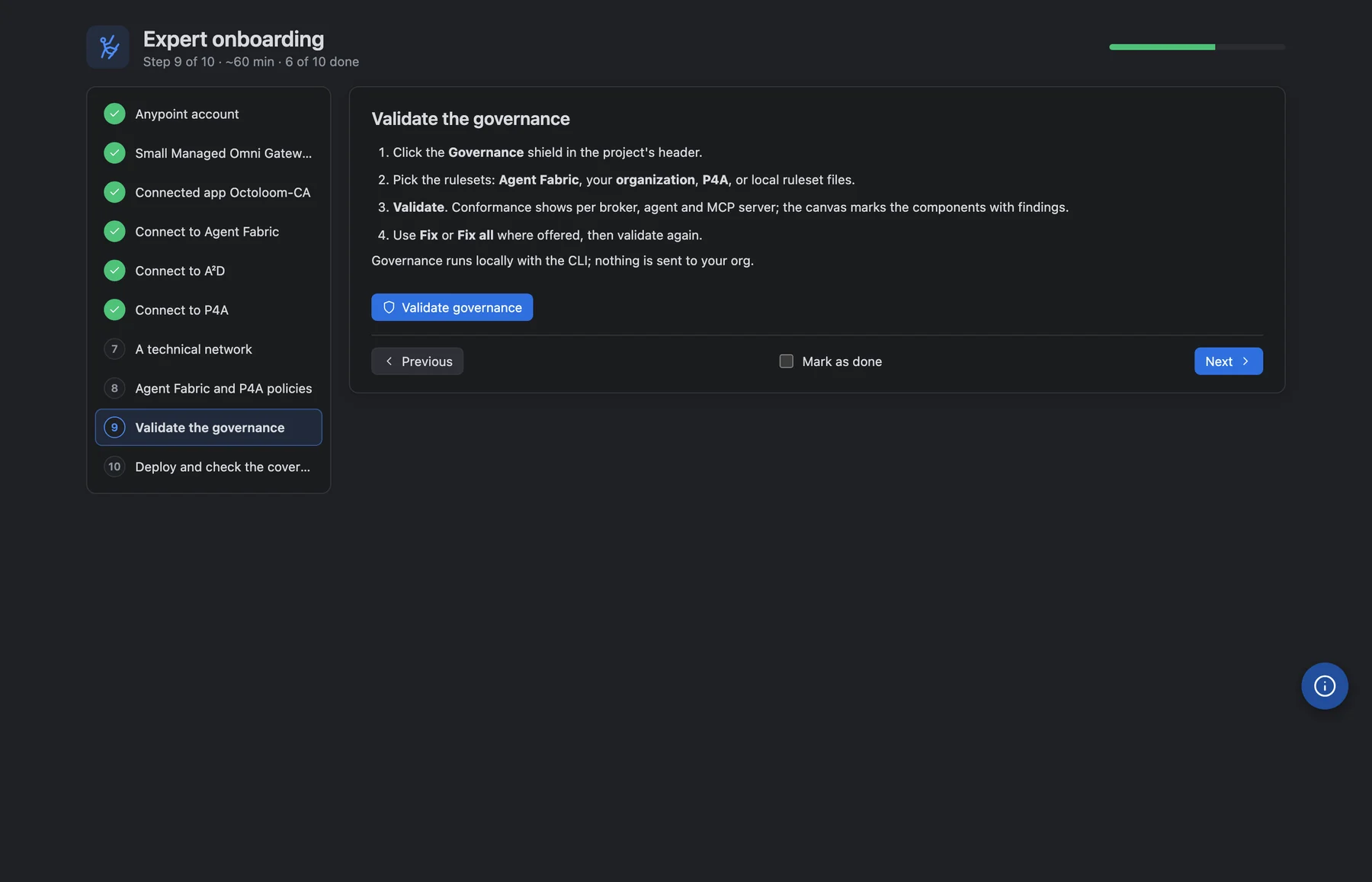
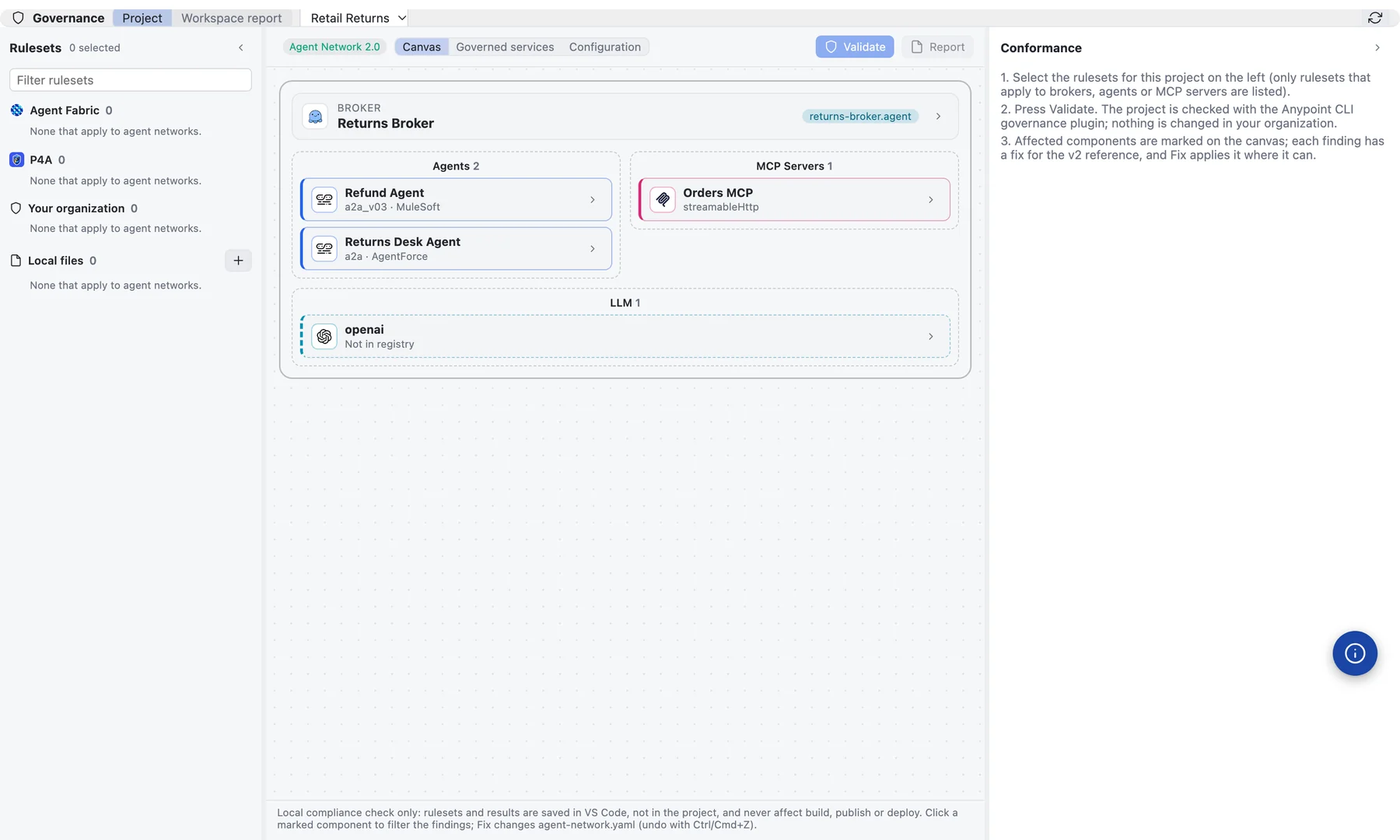
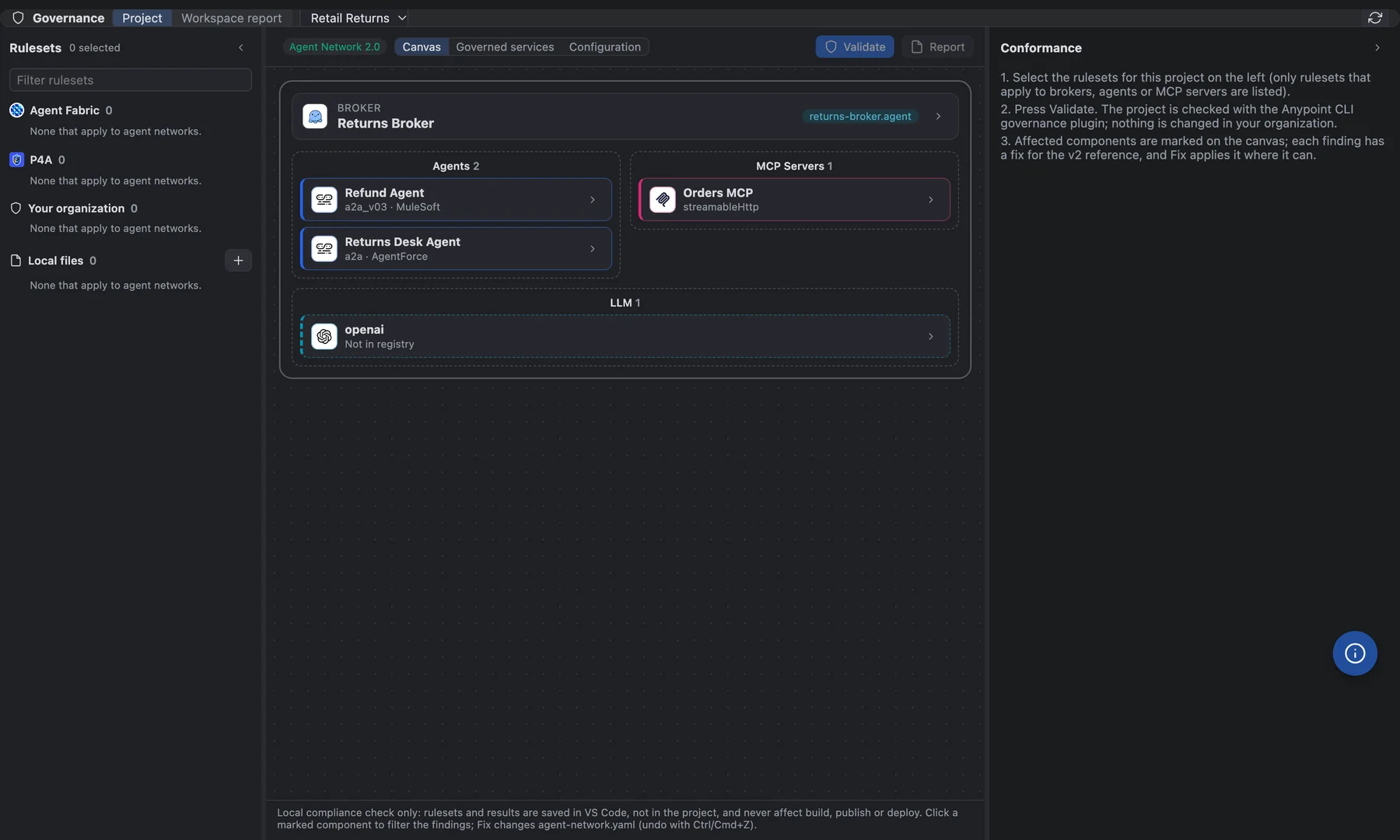
- Click the Governance shield in the project's header.
- Pick the rulesets: Agent Fabric, your organization, P4A, or local ruleset files.
- Validate. Conformance shows per broker, agent and MCP server; the canvas marks the components with findings.
- Use Fix or Fix all where offered, then validate again.
Governance runs locally with the CLI; nothing is sent to your org.
10. Deploy and check the coverage
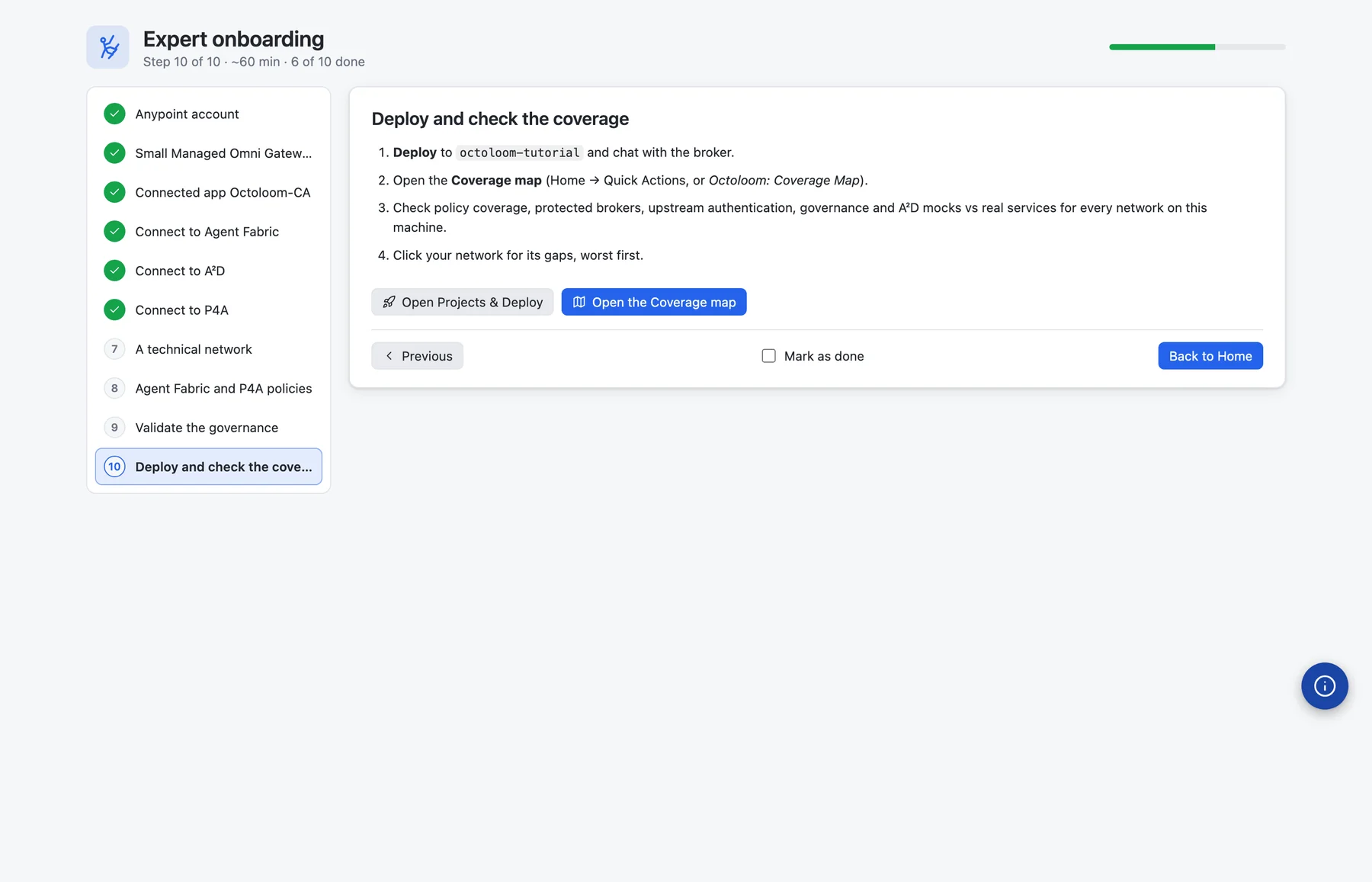
- Deploy to
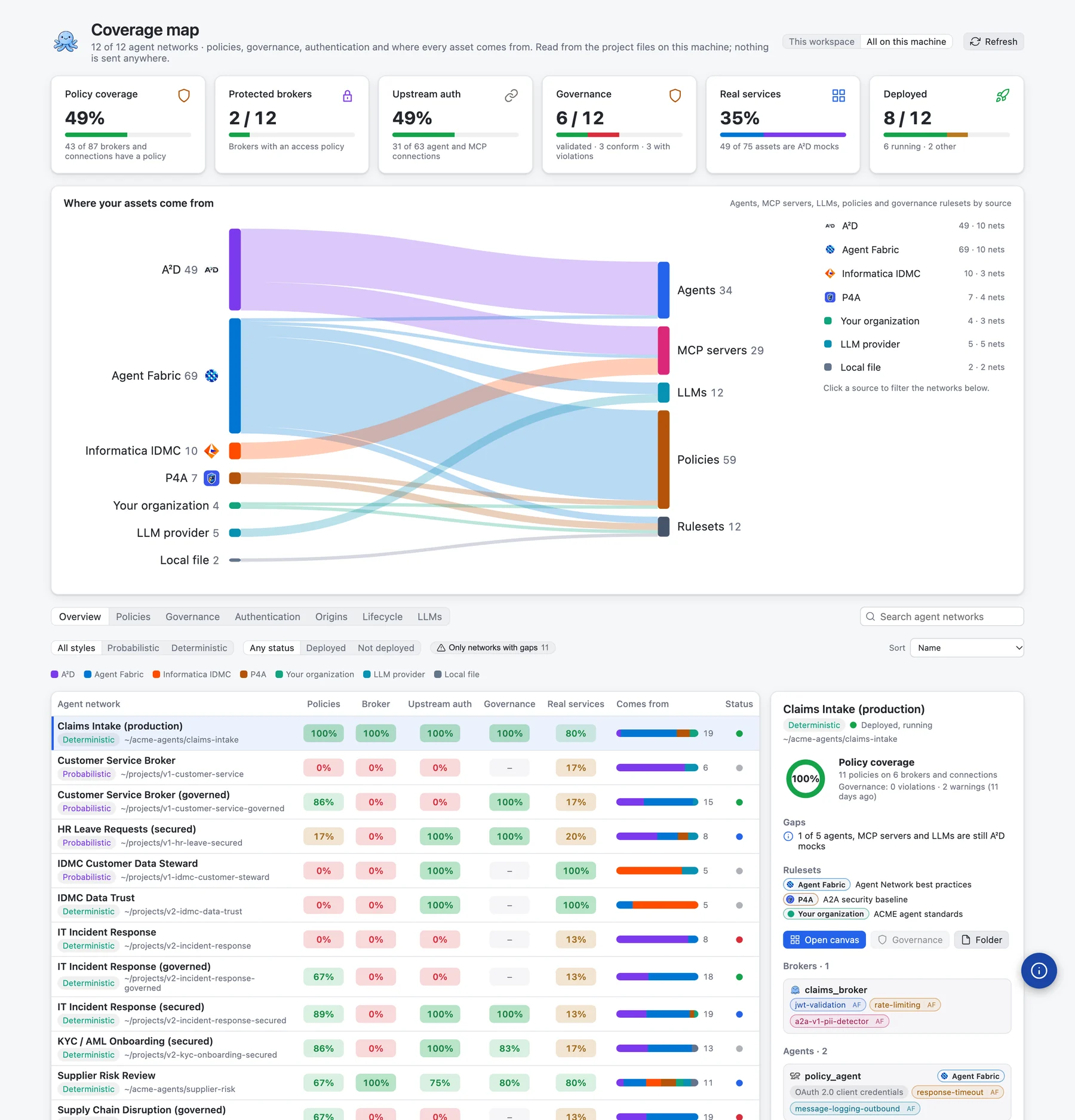
octoloom-tutorialand chat with the broker. - Open the Coverage map (Home → Quick Actions, or Octoloom: Coverage Map).
- Check policy coverage, protected brokers, upstream authentication, governance and A²D mocks vs real services for every network on this machine.
- Click your network for its gaps, worst first.
Templates for this journey
The Expert tab lists these templates; click one to create the project right in the tab.
Next: pick a tutorial